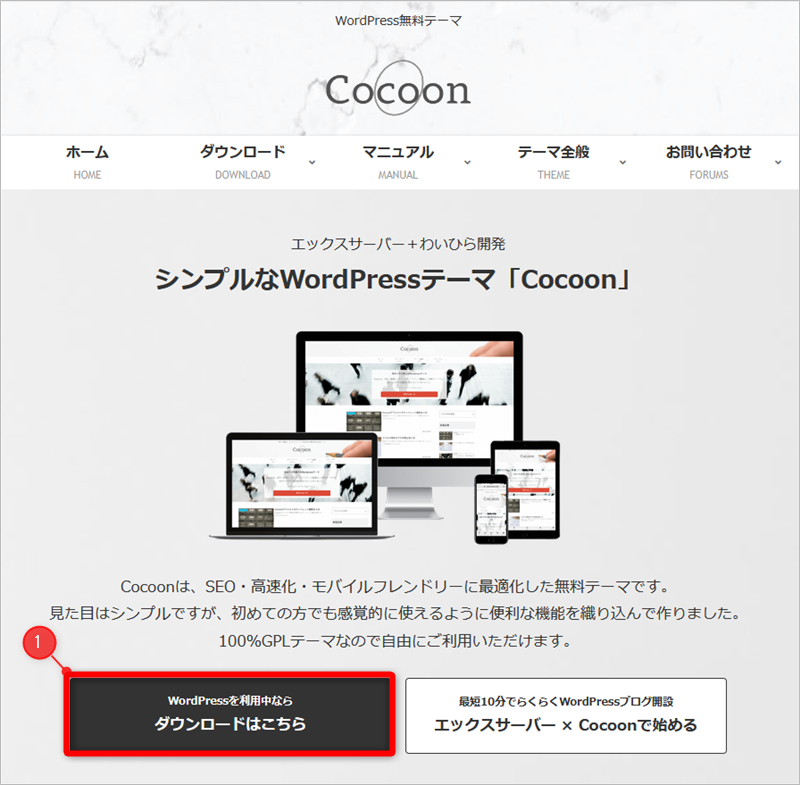
Download the Cocoon Theme from the Official Website
- Link Click here to download the Cocoon theme
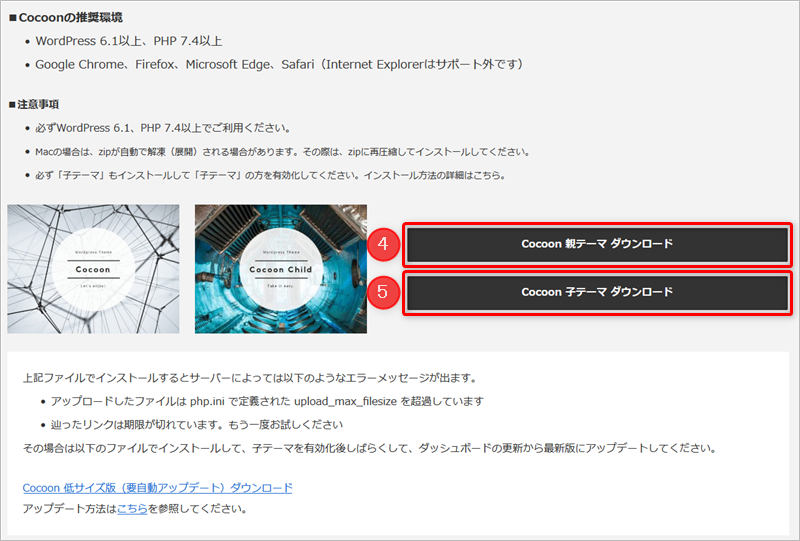
Click 1
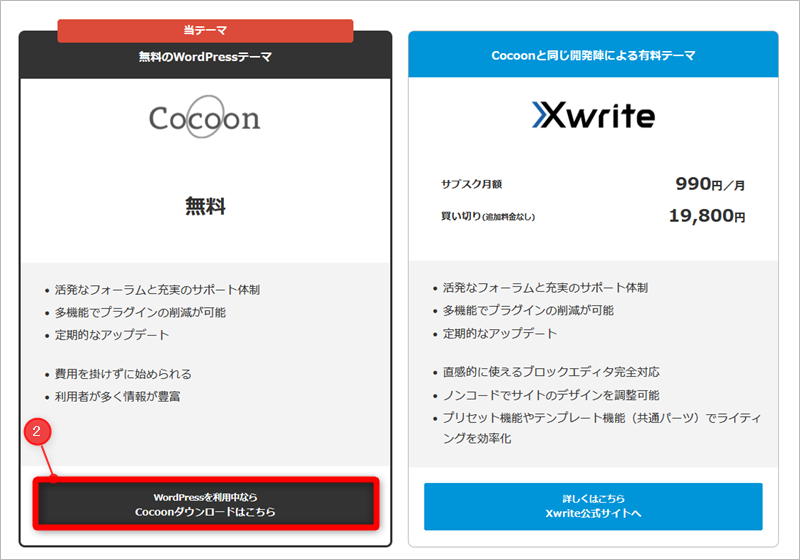
- Click 2 “Download Cocoon”
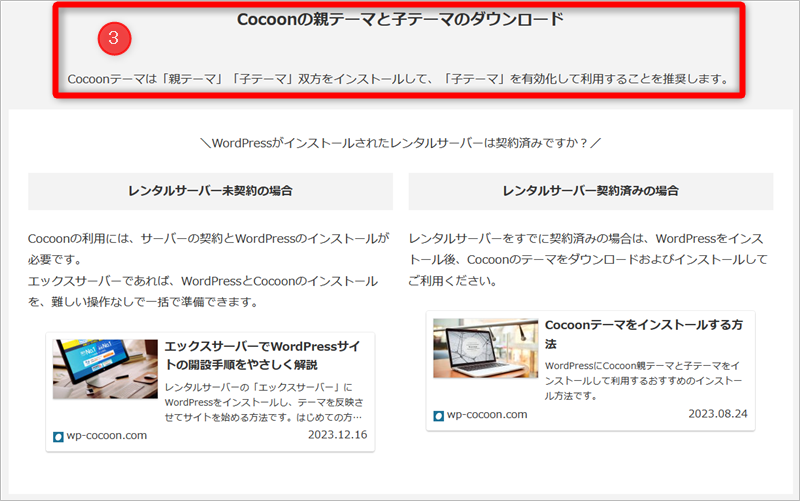
- 3 (Note) It is highly recommended to install both the “Parent theme” and the “Child theme”, and then activate the “Child theme” to use it.
- Download both 4 Parent theme and 5 Child theme.
How to Install the Cocoon Theme Files on WordPress
Steps Go to Appearance Themes Add New Theme Upload Theme Choose File, select the downloaded file and click Install Now.
Parent Theme: cocoon-master.zip
Child Theme: cocoon-child-master.zip
Child Theme: cocoon-child-master.zip
Activate the Cocoon Child Theme to Complete Setup
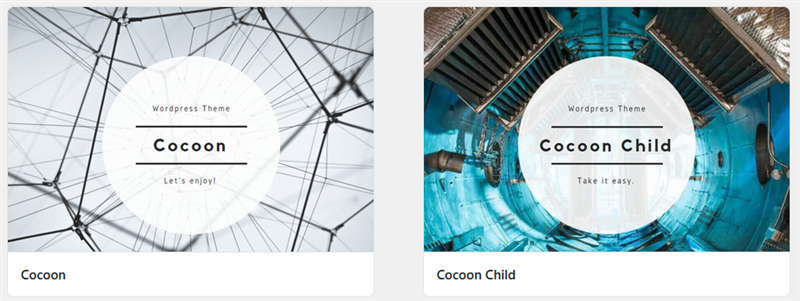
- Both the Cocoon parent theme and child theme are installed.
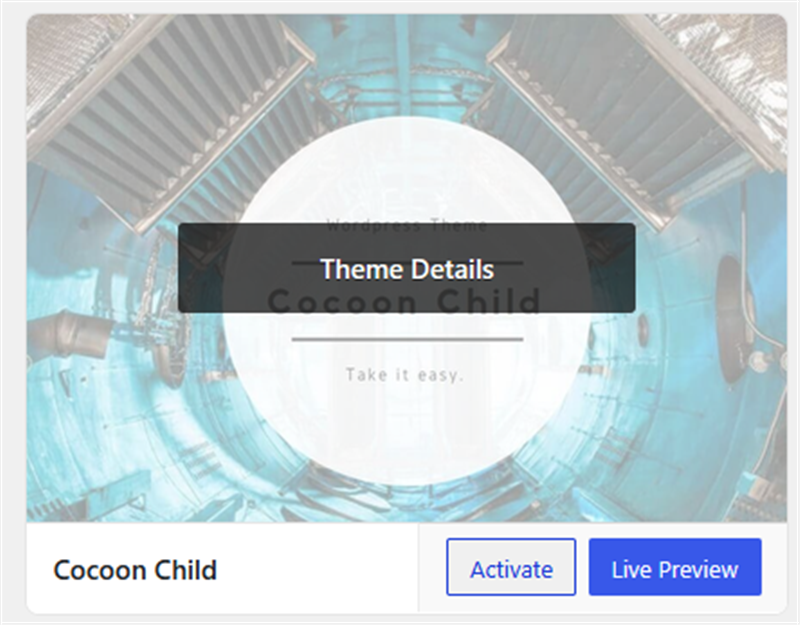
- Activate the Child theme.
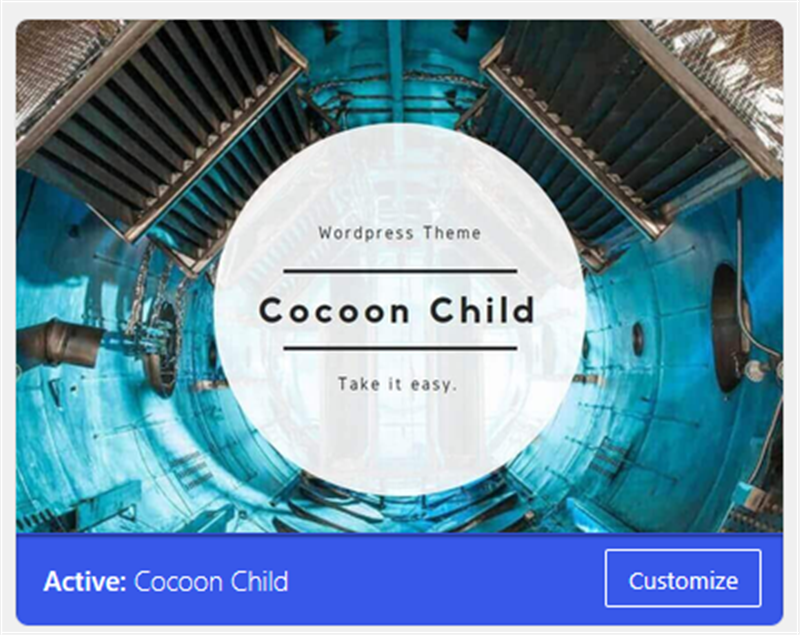
- Activation is now complete!
- When you open “Cocoon Settings” in the dashboard, a notice will appear at the top. Click 1 [Dismiss this notice] to close it (This is a promotional ad).
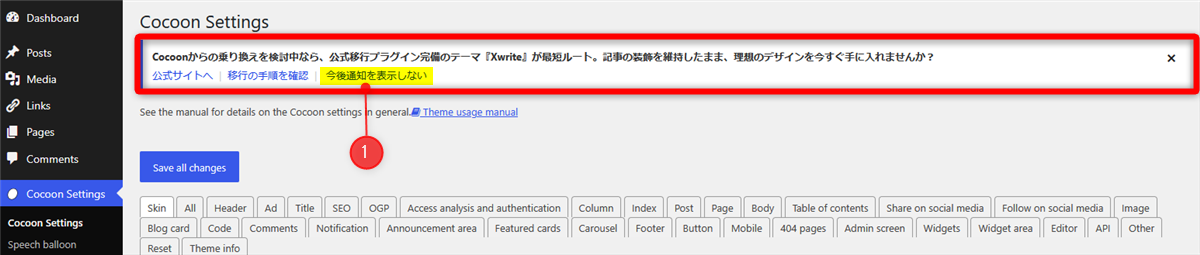 As you can see, the layout perfectly adapts to your WordPress language settings—making it fully accessible for English users.
Comments